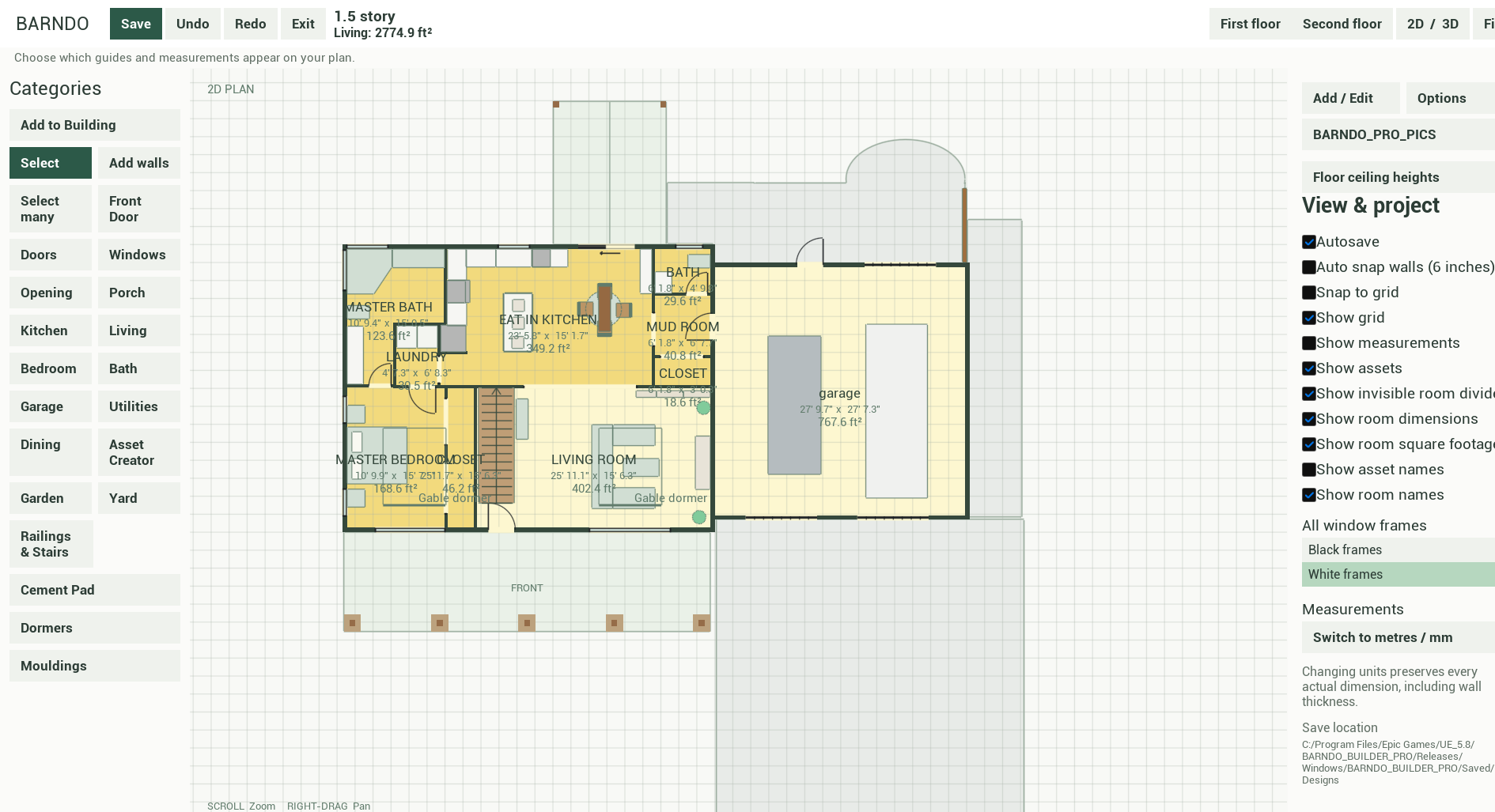
Working feature · 2D plan
Choose by category, not complicated menus.
Walls, doors, windows, kitchen, living, bedrooms, baths, garage, porch, and more are kept in plain-language categories alongside the plan.
Simple 3D ideas for country living
Explore the layout, rooms, furniture, and everyday details of a barndominium idea—then use a clear visual to start a better conversation.
Public website launch · Builder downloads coming soon
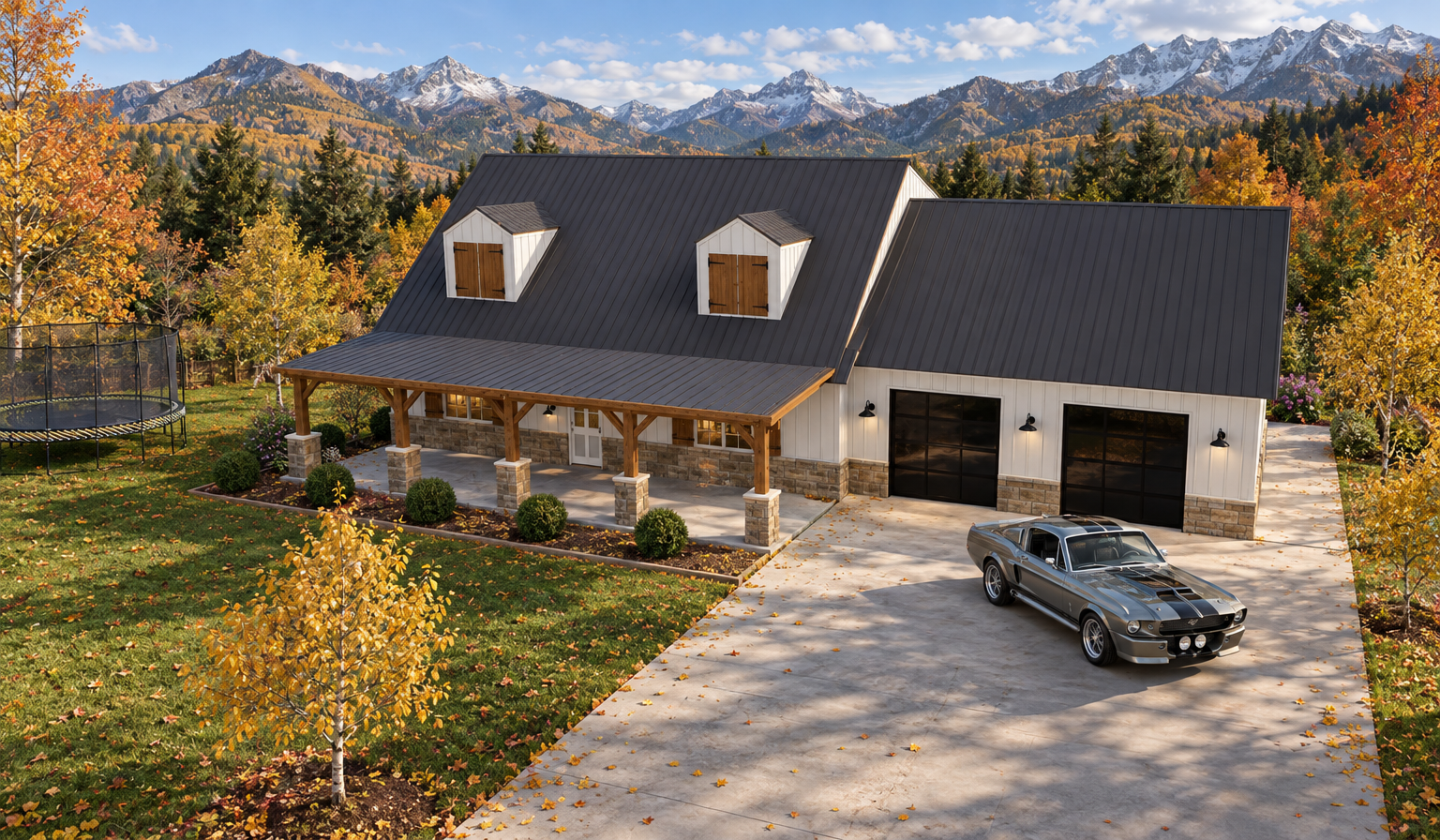
*The core designer is free during early access. AI image credits are separate and the visualization workflow is still being refined.
One simple place to begin
Easy Barndo Designer is growing into a friendly place for practical ideas, country-home inspiration, and respectful conversations.
A calm place to start
Made for people with a home idea. Start with the reliable basics, then bring your visual to family, builders, and designers.
Start with a barn-style home, living-and-garage combination, workshop, porch, or open interior.
Arrange rooms, windows, and simple furniture or assets until the space feels like yours.
Switch between 2D and 3D, add a roof, and use your concept as a starting point for future planning.
Working in the builder today
The editor follows a practical, category-led workflow: choose what you want to add, place it on the plan, then switch views to see how the space comes together.
Walls, doors, windows, kitchen, living, bedrooms, baths, garage, porch, and more are kept in plain-language categories alongside the plan.
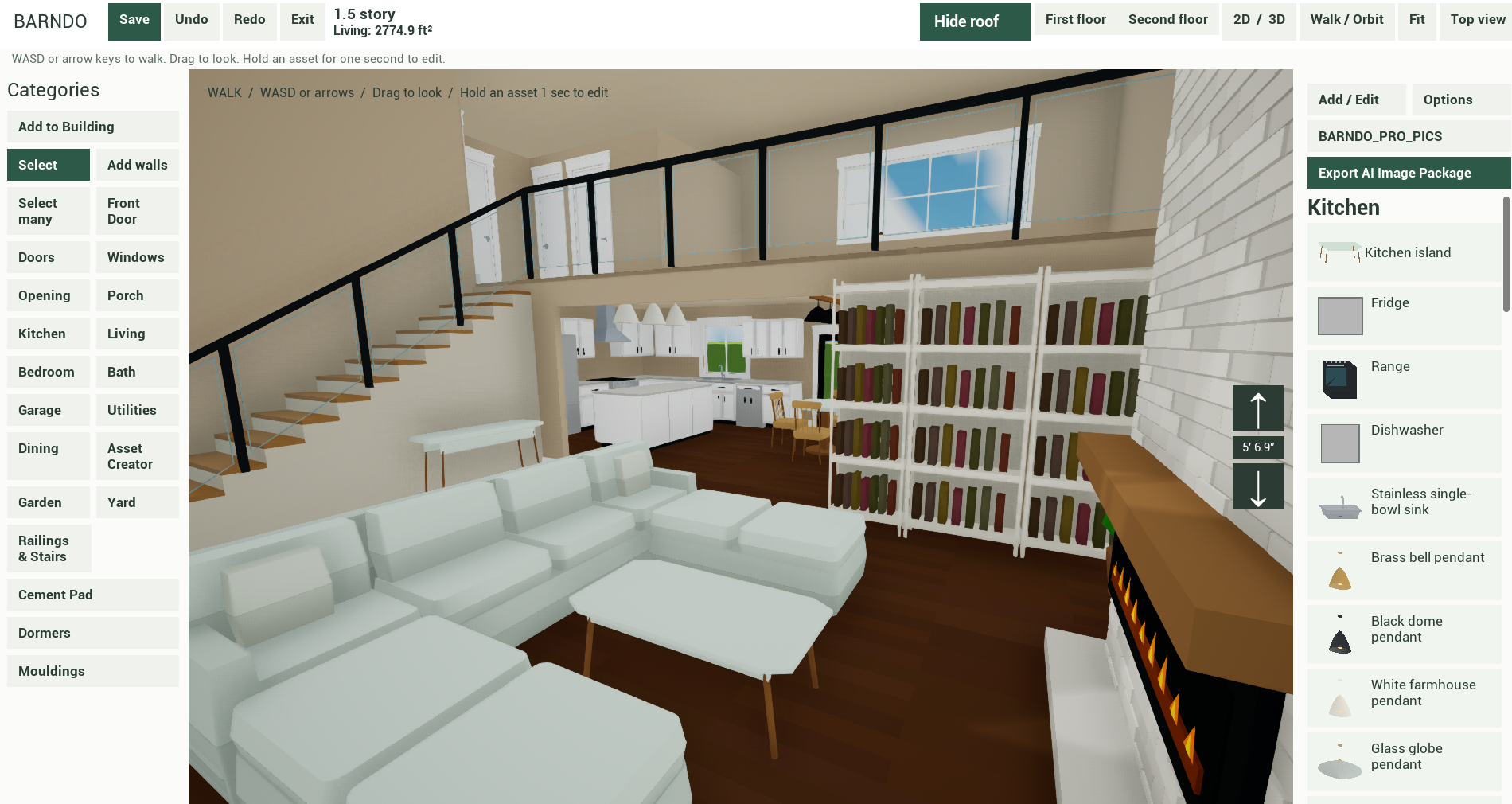
Look at the living area, kitchen, doors, windows, furnishings, and garage together in one simple view.
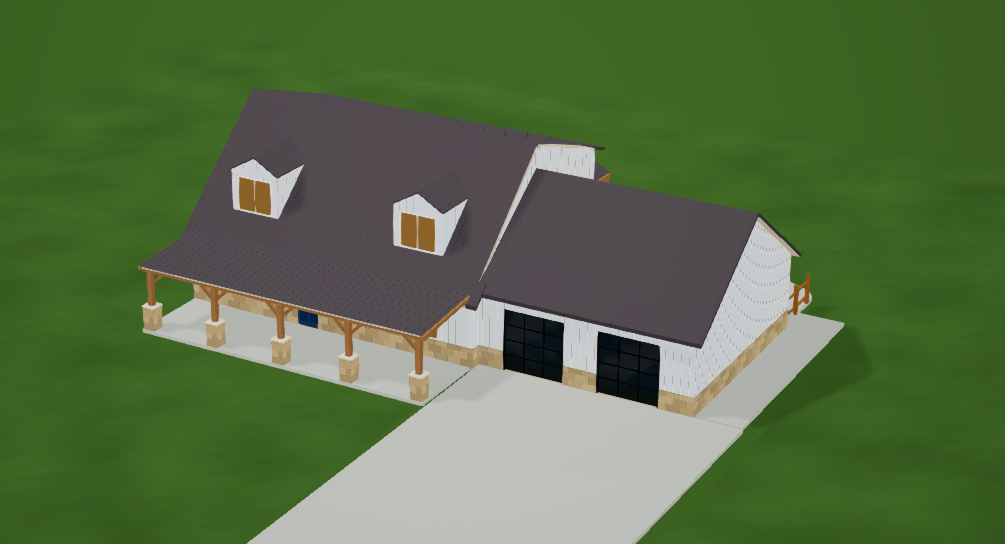
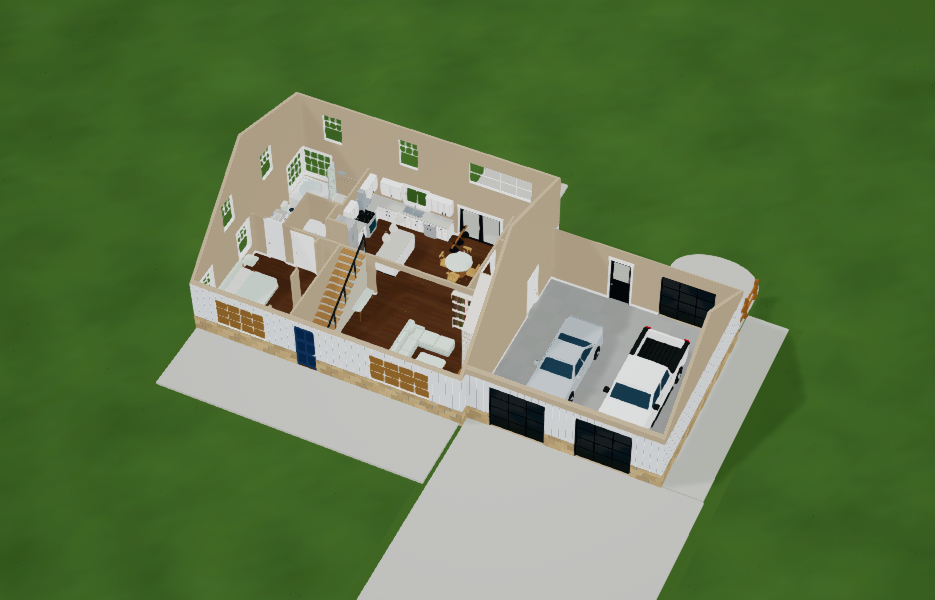
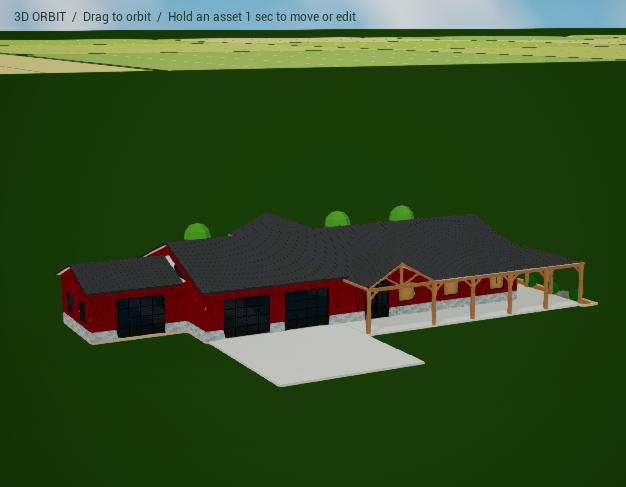
See the building shell, roof, porch, dormers, garage bays, driveway, and finish details from the outside.
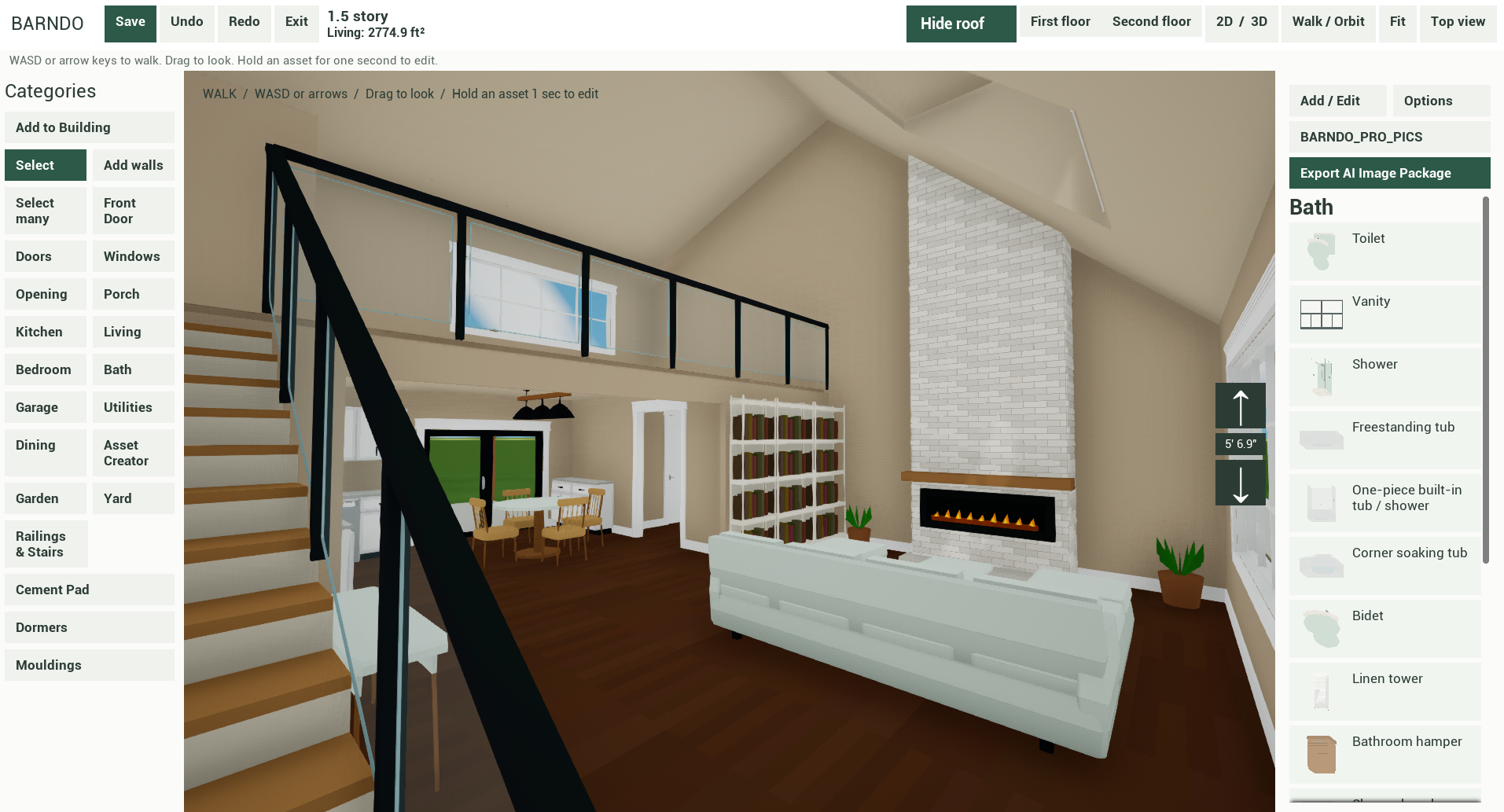
Walk Around Mode lets you move through the space with simple arrow or WASD controls and drag to look around. Camera views from your design will guide the future AI Enhance workflow; AI generation is not released yet.
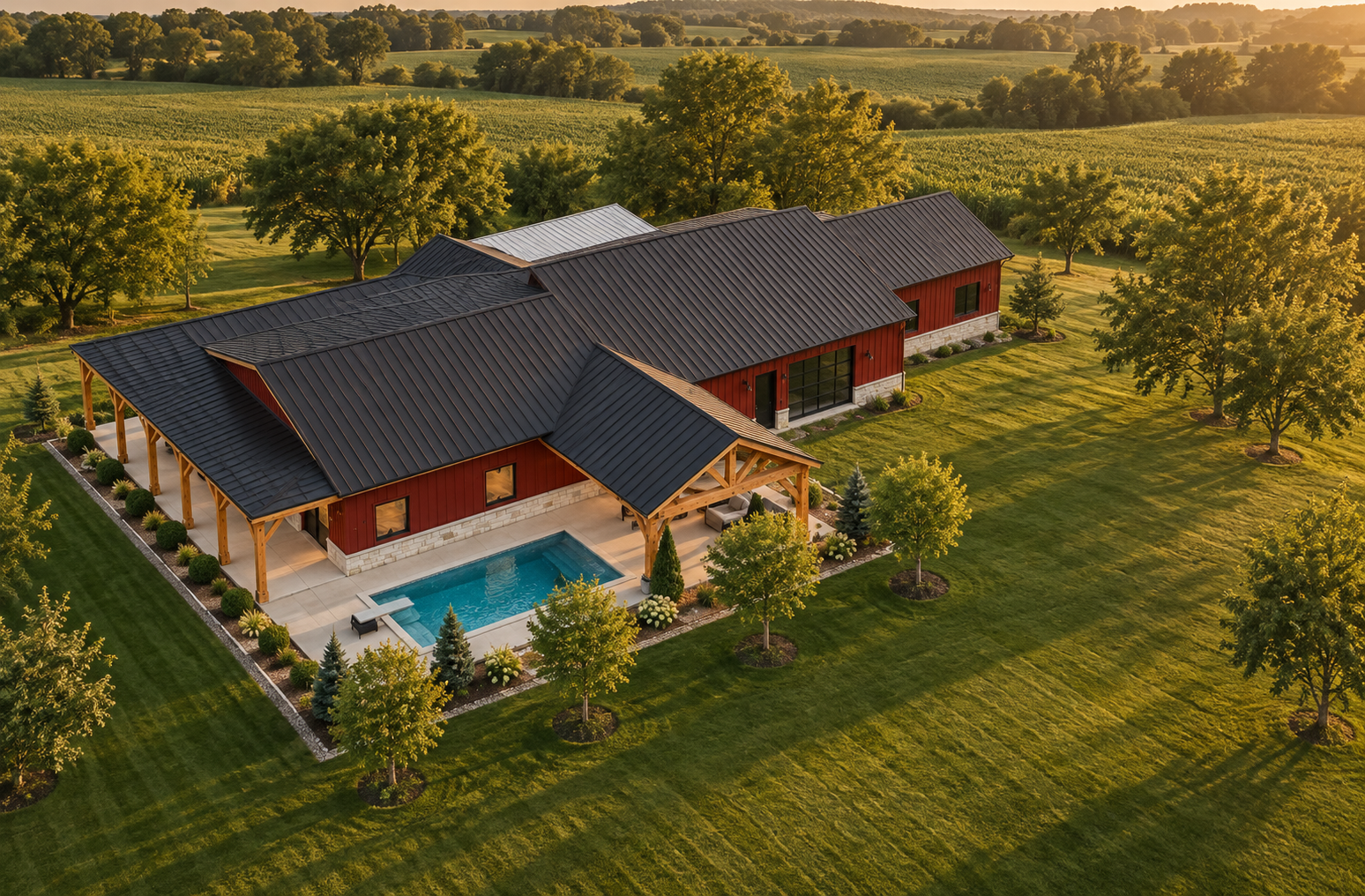
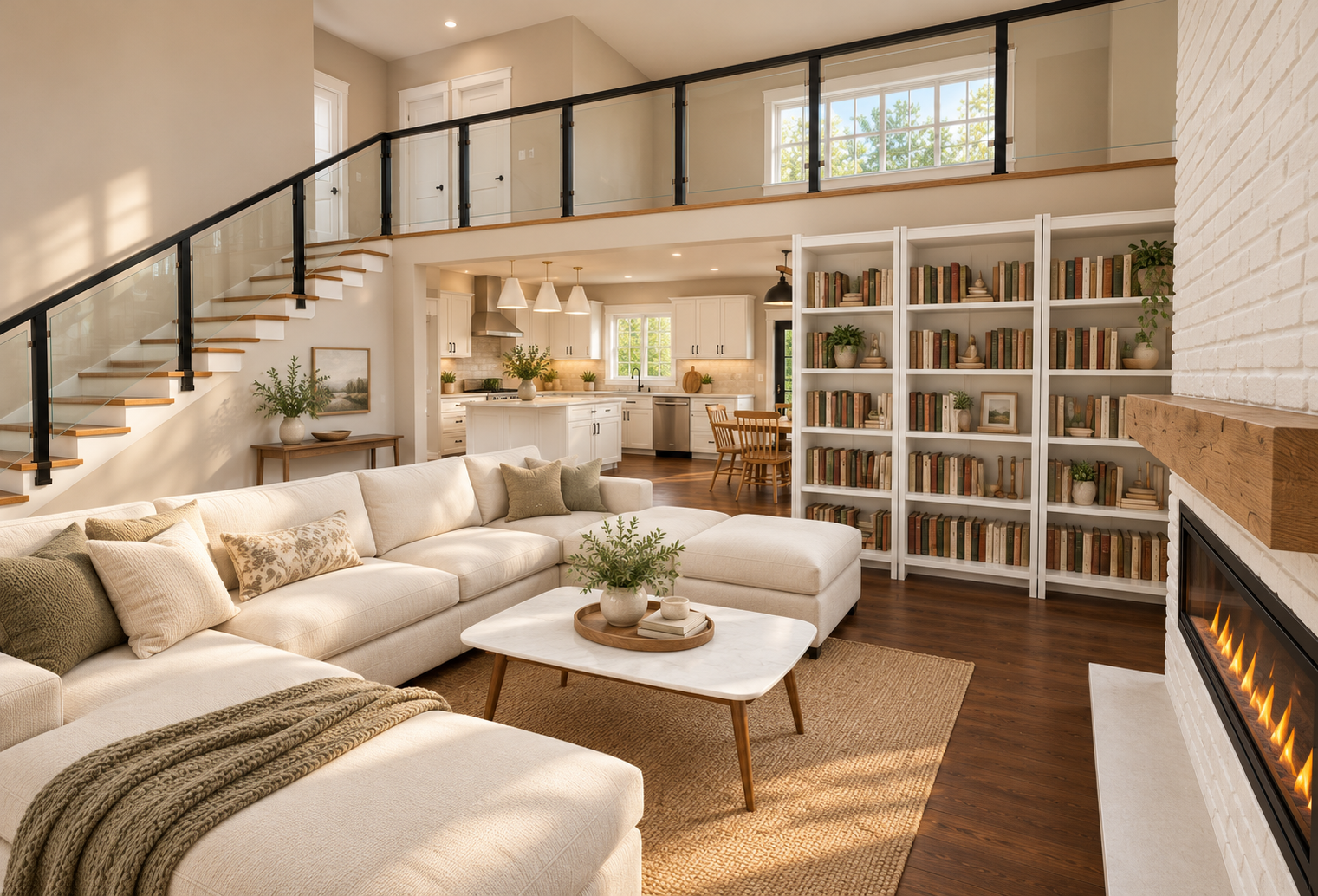
Representative AI visualization · results vary
A separate visualization step
The AI-image workflow under development starts with a camera view from your normal 3D design. It uses the scene, the details you set, and your own reference photos or notes to create a more finished visual direction.
Your choices stay in charge
A style direction can guide unspecified details; it should not replace your furniture, materials, or notes.
Promising tests, still being refined
AI visualization is not live yet, results vary, and it will be offered separately through optional image credits.
Built honestly
Development continues, with priority on making these core tools reliable and easy to use.
Early tests are promising, but consistency and accuracy still need refinement. These features are not live yet.
Make it yours
Add a picture and a note to its simple place-holder in your design. The builder stays simple enough for everyday laptops; your references carry the personal details into a later visualization.
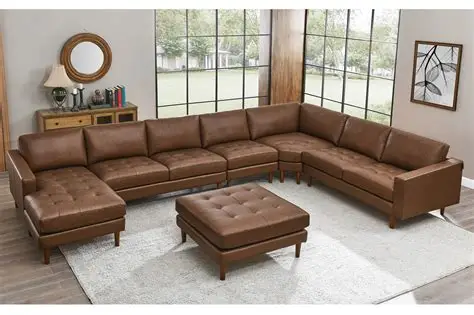
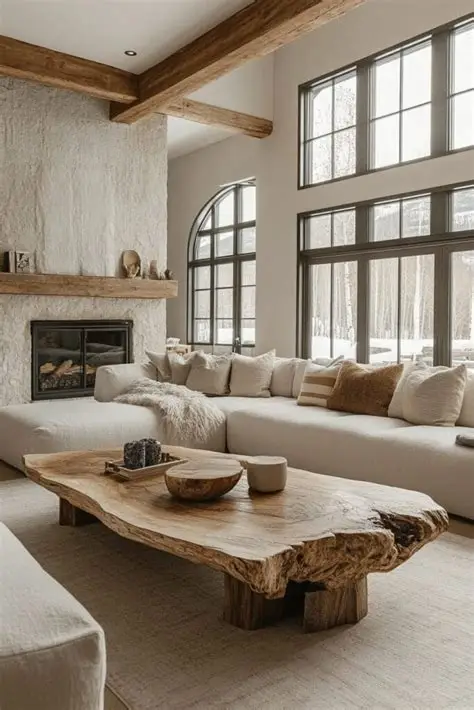
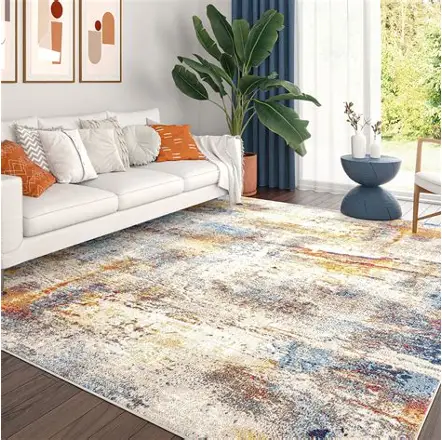
The same home, a few ways to see it
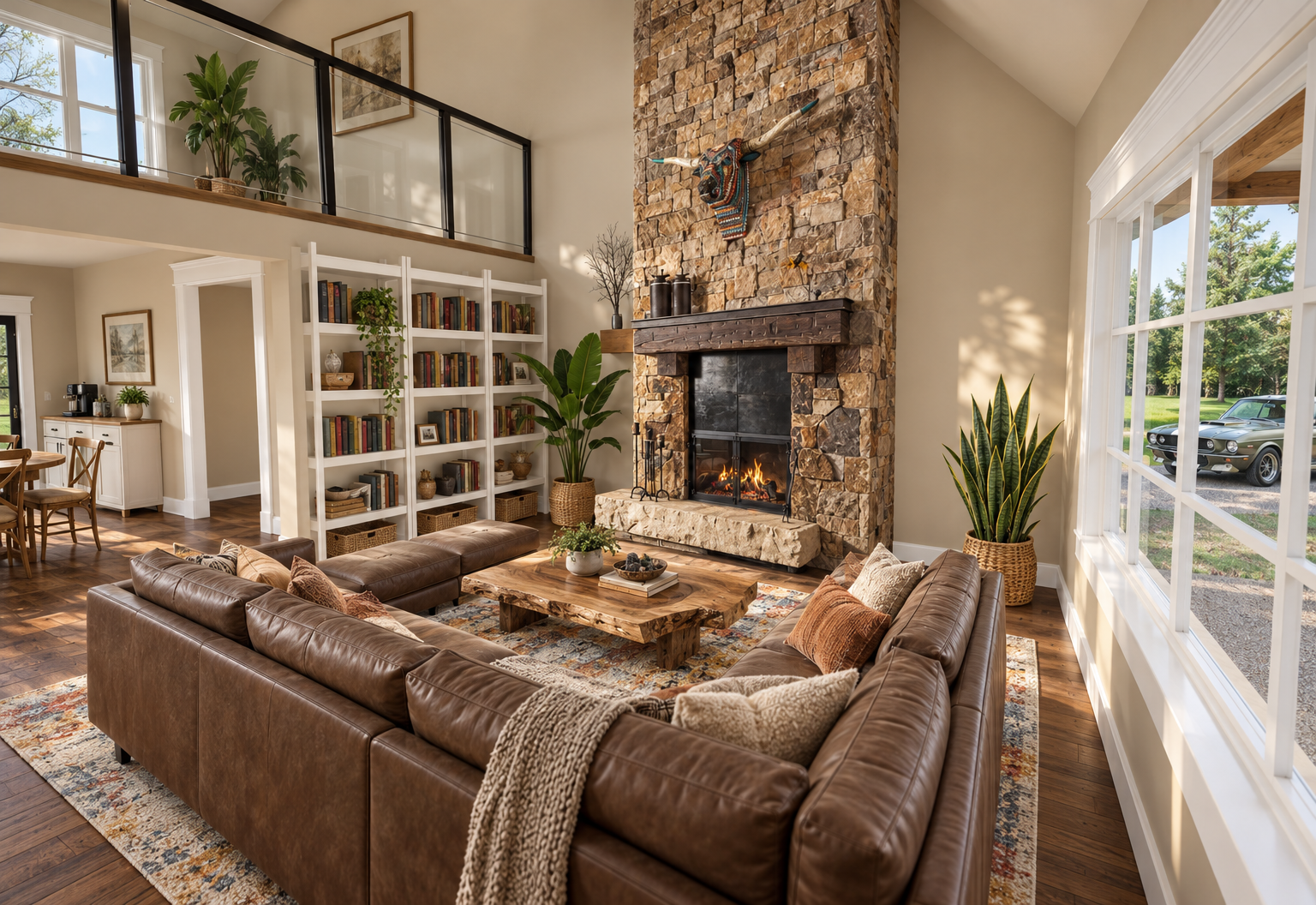
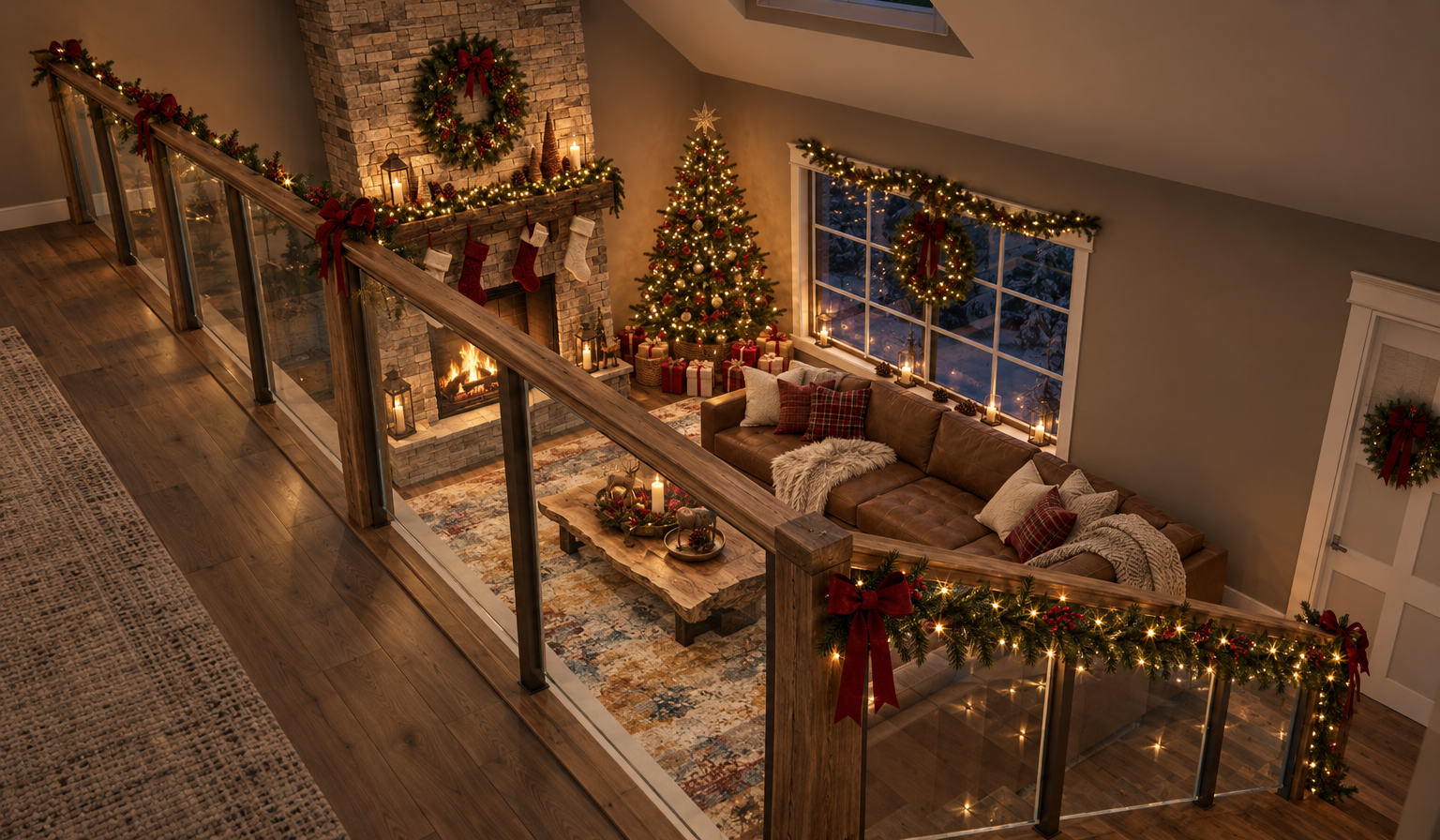
These representative AI visualizations show how one home idea can be explored from the kitchen, living room, fireplace, and outside. Results can vary while the workflow is still being refined.
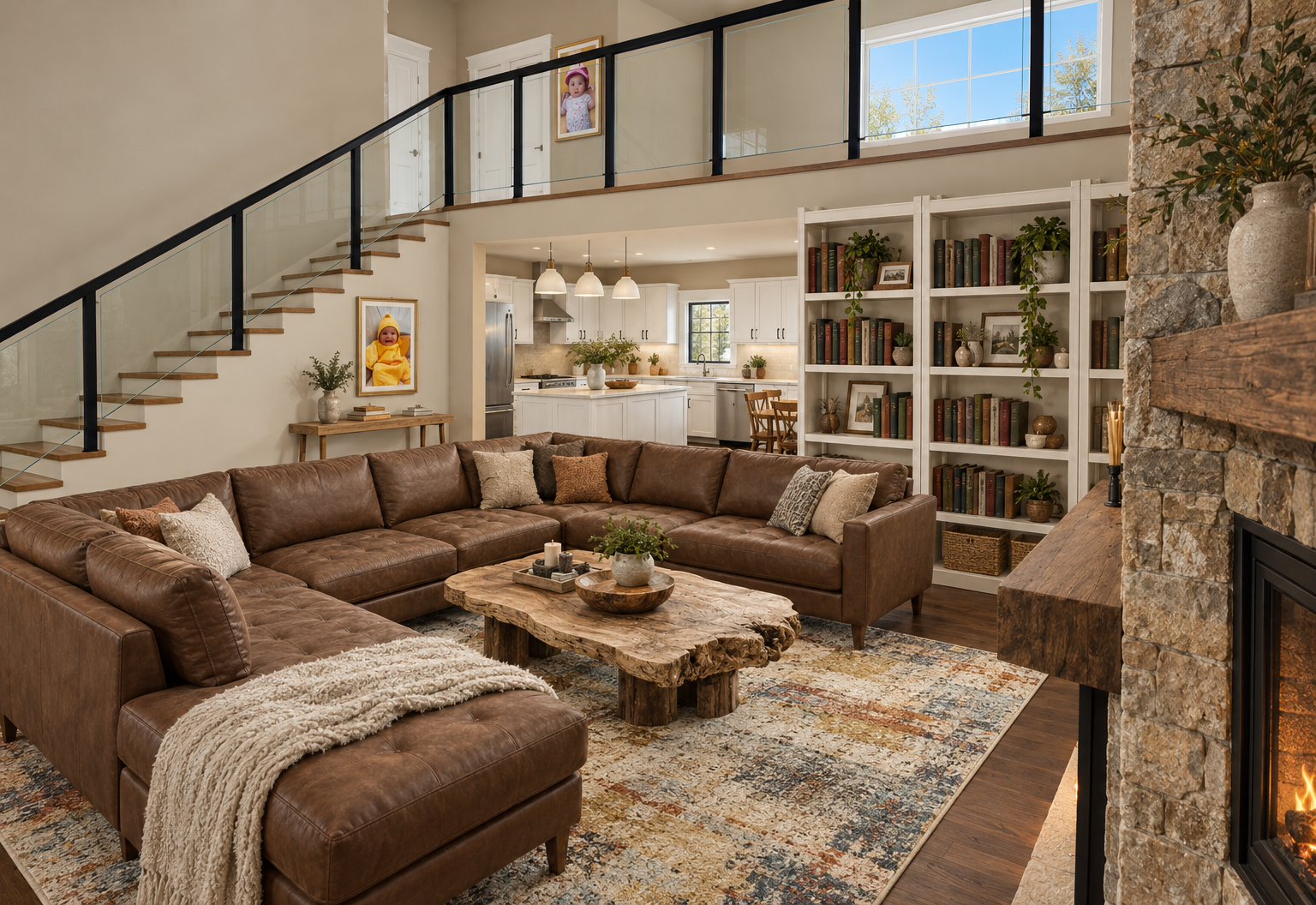
Themes, gently applied
Traditional Farmhouse, Modern Barndo, or a cozy seasonal direction can guide the details you have not picked yet. Themes should never override your furniture, materials, photos, or notes. This is planned and still being refined.
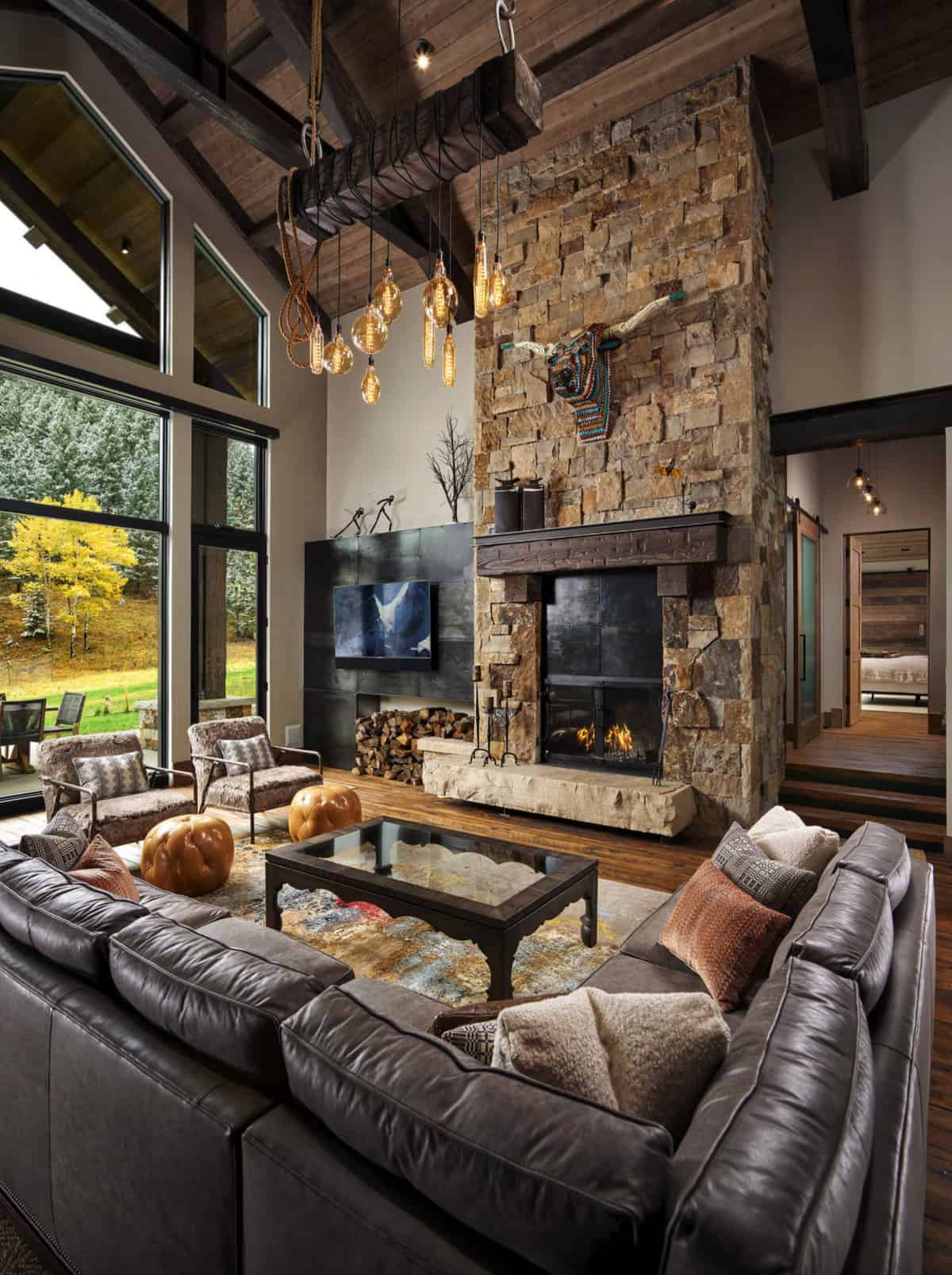
A dream-fireplace story
Add its photo and a few notes, then place a simple fireplace in your plan so your vision has a home. The 3D asset stays light and simple; the reference carries the special detail into later visualization.
The Barndo Builder community
Share a design concept, ask a friendly question, and see what other people are imagining. The community is for brainstorming and helpful feedback.
Community features · planned
These tools need accounts, moderation, and a secure sharing service before they can go live. We will say when they are ready.
Choose a username and share only what you are comfortable sharing.
Upload or send your Barndo Builder concept with a plain-language question.
Read comments, reply at your pace, and report anything that does not feel respectful.
Explore a gallery of shared concepts and individual discussion pages.
Learn without the runaround
Quick how-to videos will be added here as early access opens—made for watching once and getting back to your idea.
See builder availabilityGood questions
Early access to the designer is free. Optional AI-generated inspiration images are planned as a separate credit purchase, and paid designer plans may be considered later. We are focused on learning from users and refining the experience first.
It is a straightforward place to explore layouts, rooms, furnishing ideas, and the look you want for your country home—then share your vision with the people you care about.
The first release is planned for Windows PCs. Final system requirements and the installer will be shared when early access is ready.
Yes—if you choose to. Optional support is separate from early access and AI features; it is never required to use them.
That is planned. The future community will include member profiles, a shared design gallery, individual design discussions, comments, and basic reporting tools. It is not live yet, and it will be for ideas and respectful conversation.
Builder availability
We are polishing the early release for Windows and Mac. There is no installer, waitlist, trial, or payment setup on this site today.
When the builder is ready, this page will explain how to get it.
Optional support
Optional one-time support helps product development. It is CAD-based, and Stripe may offer a local currency at checkout. It does not unlock software, early access, accounts, or AI features.
Checkout status is loading.
When connected, payment is handled on Stripe’s hosted checkout page. The site never asks for or stores card or bank details.
Jordan C.
I like the open front. A wider porch could make a nice sitting space.